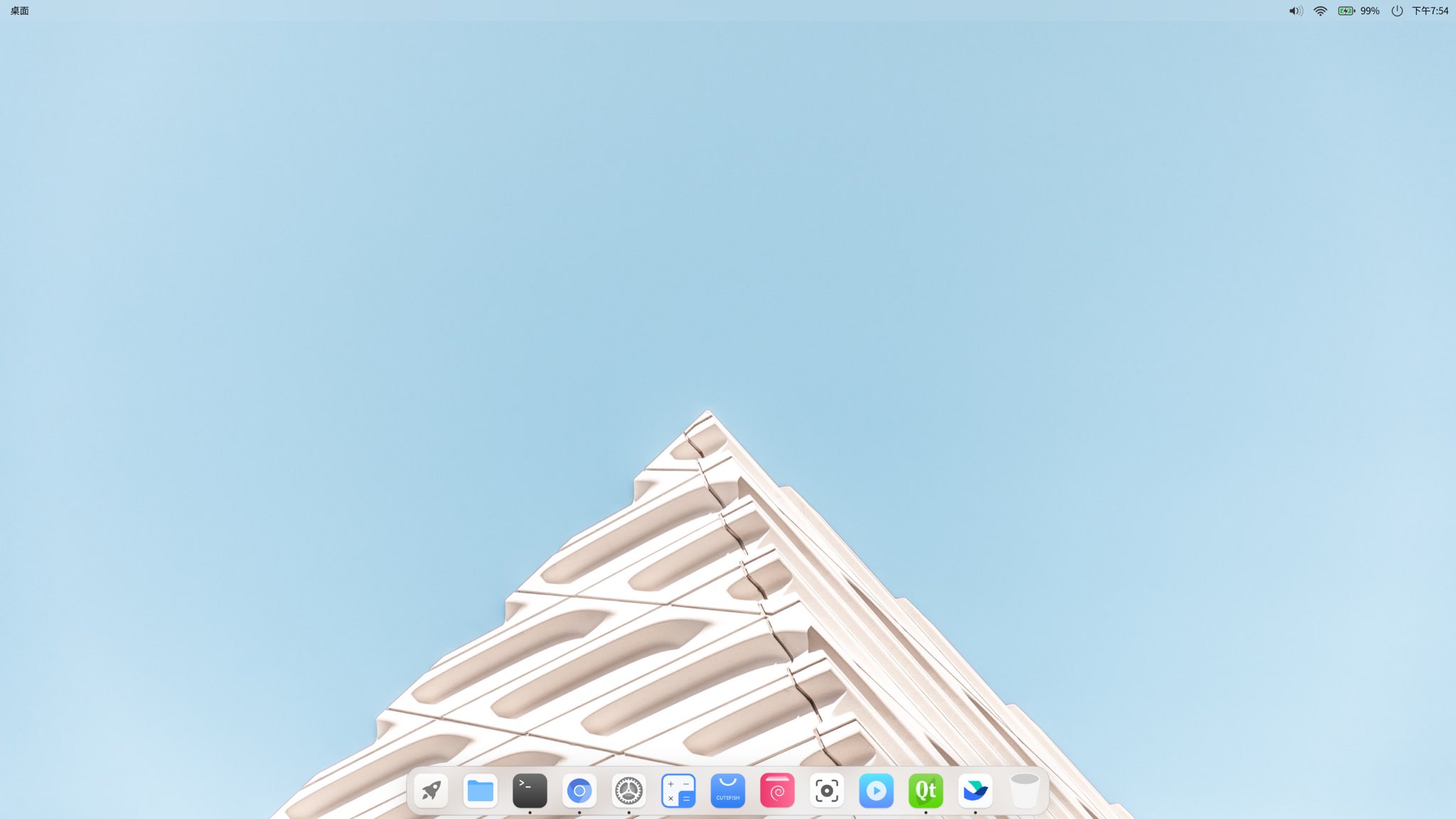
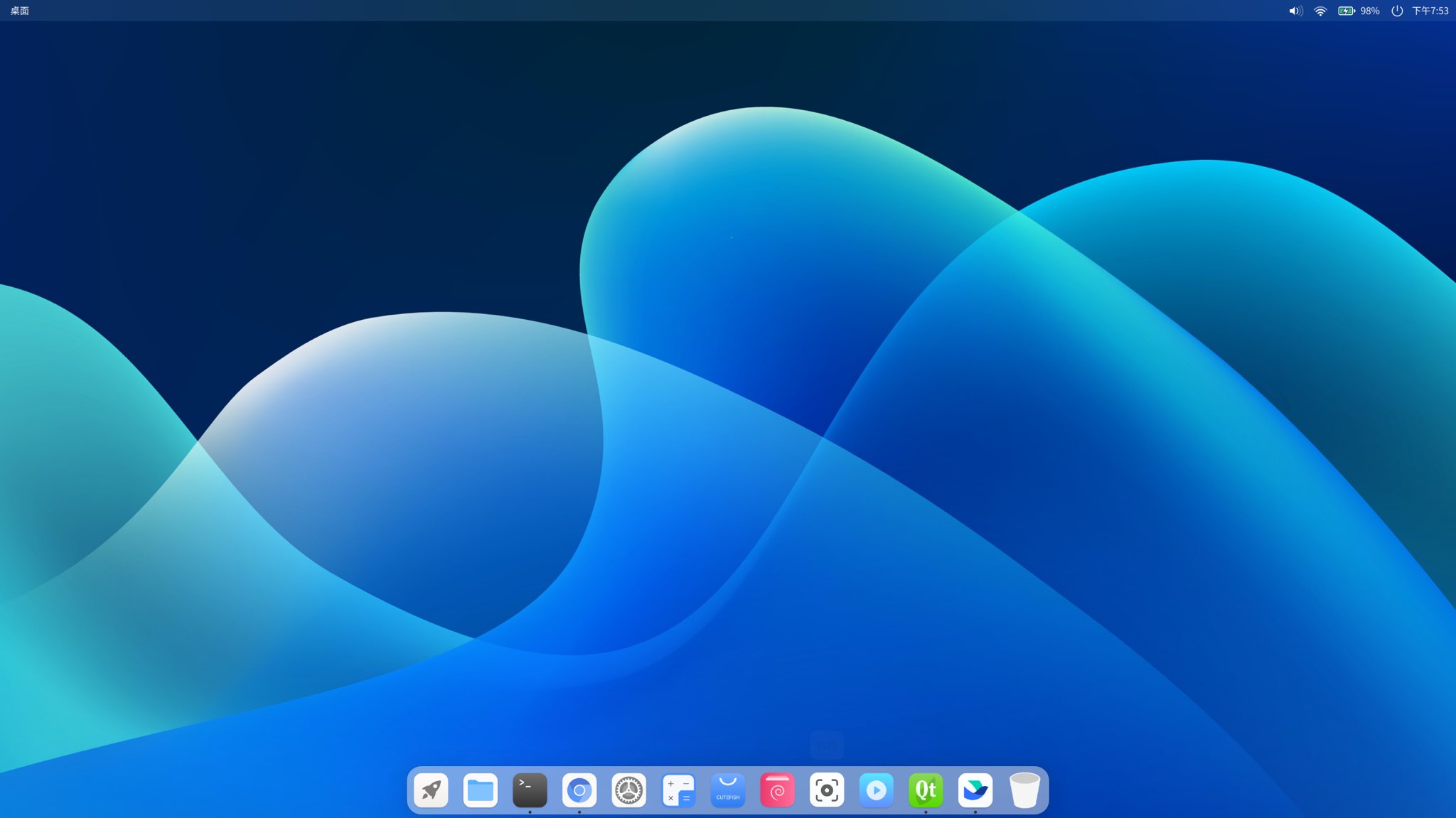
macOS Big Sur introduced a new top menu bar behavior: the menu bar background color adapts to the desktop wallpaper, so it feels more integrated than before.
The actual effect is not just making the background transparent + blurred. It extracts the theme color from the top area of the wallpaper image.
Implementation method
Add up all the rgb values in the image data, then divide them by the image area to get the average.
QImage img("wallpaper_file_name.jpg");
QSize size = img.size();

long long sumR = 0, sumG = 0, sumB = 0;
int measureArea = size.width() * size.height();

// Iterate over each coordinate of the image
for (int y = 0; y < size.height(); ++y) {
    QRgb *line = (QRgb *)img.scanLine(y);

    for (int x = 0; x < size.width(); ++x) {
        sumR += qRed(line[x]);
        sumG += qGreen(line[x]);
        sumB += qBlue(line[x]);
    }
}

sumR /= measureArea;
sumG /= measureArea;
sumB /= measureArea;

QColor themeColor = QColor(sumR, sumG, sumB);
Font color adaptation to background scheme:
(r * 0.299 + g * 0.587 + b * 0.114) > 186 ? "black" : "white"
Showcase